Picking the wrong CMS platforms to build your brand's digital headquarters is like leasing a storefront without checking the foundation. And if things go wrong there, rebuilding a broken site six months post-launch drains budgets, delays marketing campaigns, and disrupts your audience.
Your site isn't just a digital brochure; it is your 24/7 sales engine and primary content hub. Choosing between an open-source giant, a visual CSS engine, and an agile visual studio dictates how fast your marketing team moves and how securely your platform scales.
By reading this guide, you will gain a clear breakdown of each platform's core architecture, maintenance needs, SEO capabilities, and practical decision frameworks to choose the right tech stack for your brand.
Each platform wins in a different scenario. Pick based on where your team needs the most leverage:
- WordPress: Best for content-heavy enterprise sites requiring full code ownership and unlimited customization.
- Webflow: Ideal for design-forward tech brands that demand pixel-perfect visual development without bloated code.
- Wix Studio: Built for agile businesses needing rapid deployment, native business apps, and zero infrastructure maintenance.
Why Choosing the Right Content Management System Matters
A content management system (CMS) is software that allows teams to create, edit, and publish digital content without needing to write code from scratch for every page.
Your choice of web architecture dictates your operational speed. If your marketing team depends entirely on developers for minor landing page edits, your growth stalls. Conversely, if you select a restrictive tool that cannot handle complex data structures, your scaling efforts will hit a hard ceiling.
Selecting the right platform requires balancing design freedom, long-term maintenance overhead, and functional scalability.
WordPress: The Unrivaled Ecosystem
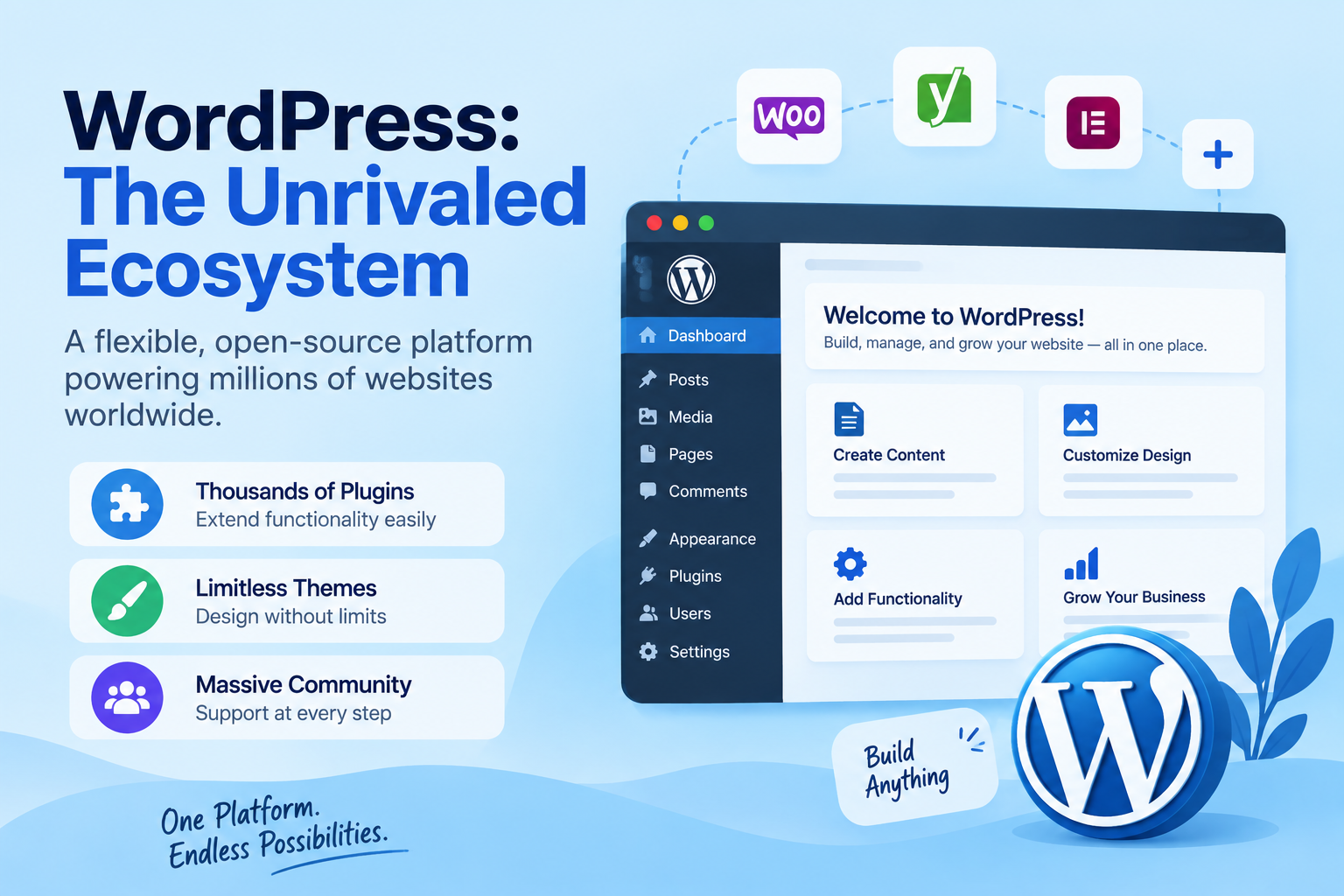
WordPress powers over 40% of the web, built on absolute code ownership and unlimited extensibility. It operates as an open-source engine where developers can make custom plugins, themes, and complex database schemas.
Core Strengths and Ownership
- Complete Code Control: You own your databases, files, and core assets entirely without SaaS lock-in.
- Infinite Scalability: Easily handles thousands of dynamic custom post types, multi-language setups, and heavy database demands.
- Granular SEO: Fine-tune server caching, meta schemas, and technical crawl budgets with advanced tools.
Operational Trade-offs
Because WordPress relies on open-source plugins, it requires routine maintenance. Outdated plugins can compromise security or slow down page performance if managed without technical oversight. A dedicated website maintenance plan keeps updates, backups, and security patches off your marketing team's plate.
Webflow: The Visual Developer's Canvas
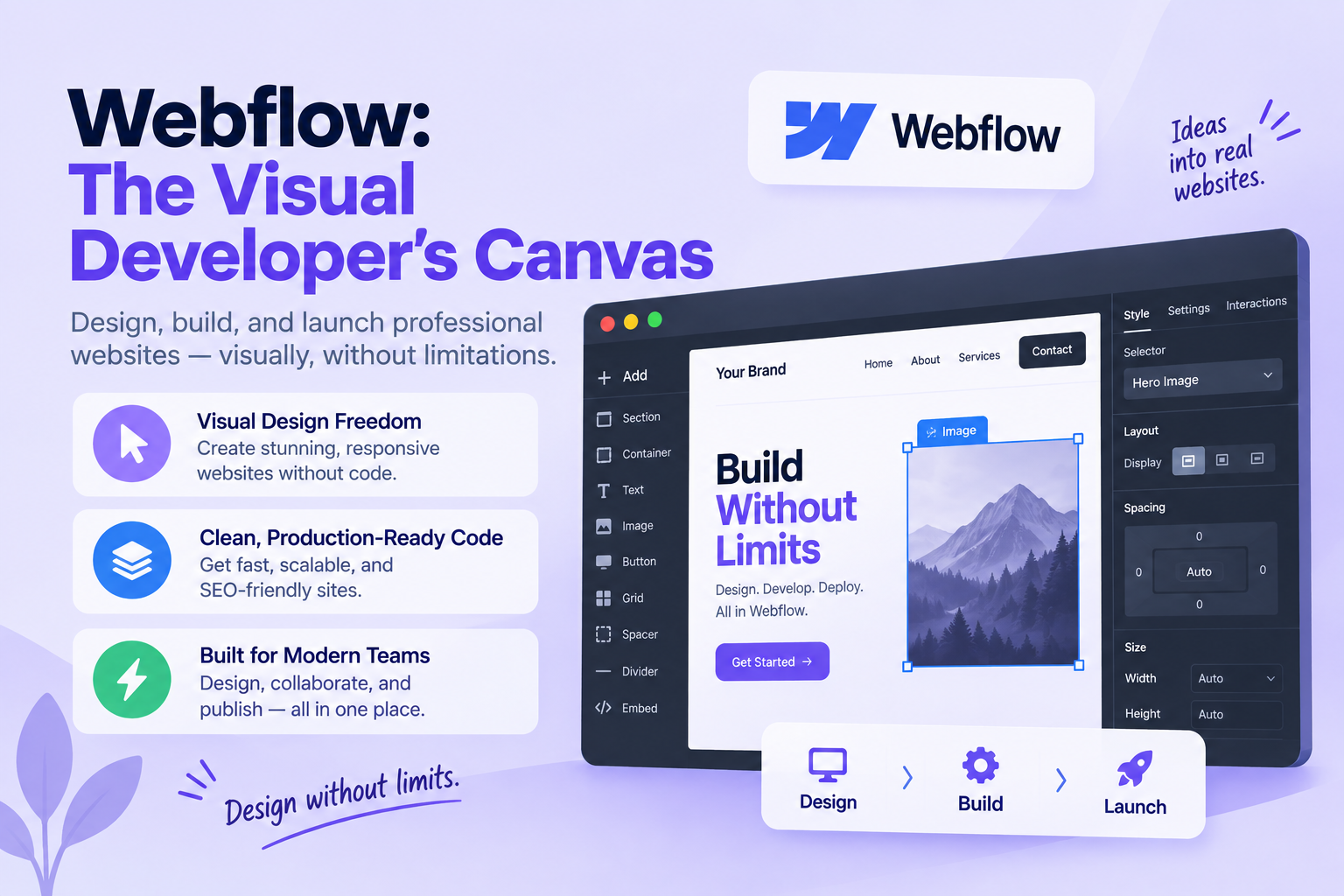
Webflow redefines modern visual development by bridging raw front-end code with an intuitive graphical interface. Instead of using arbitrary layout boxes, it forces creators to structure sites using semantic HTML5 and CSS grid logic.
Advanced Design Without Code
Webflow functions as a visual no code power tool that generates production-ready code as you build. Marketers can publish content confidently using custom schema inputs without risking layout breakage.
- Pixel-Perfect Control: Build custom micro-interactions and smooth scroll animations natively.
- Clean Code & Speed: Hosted on AWS and Fastly networks for fast out-of-the-box load speeds.
- Autonomous Content Edits: Marketing teams can publish blogs and case studies without touching raw code.
Operational Trade-offs
Webflow has a steeper learning curve. Creators must understand fundamental CSS concepts like flexbox, absolute positioning, and responsive breakpoints to build effectively.
Wix Studio: The Agile Business Builder
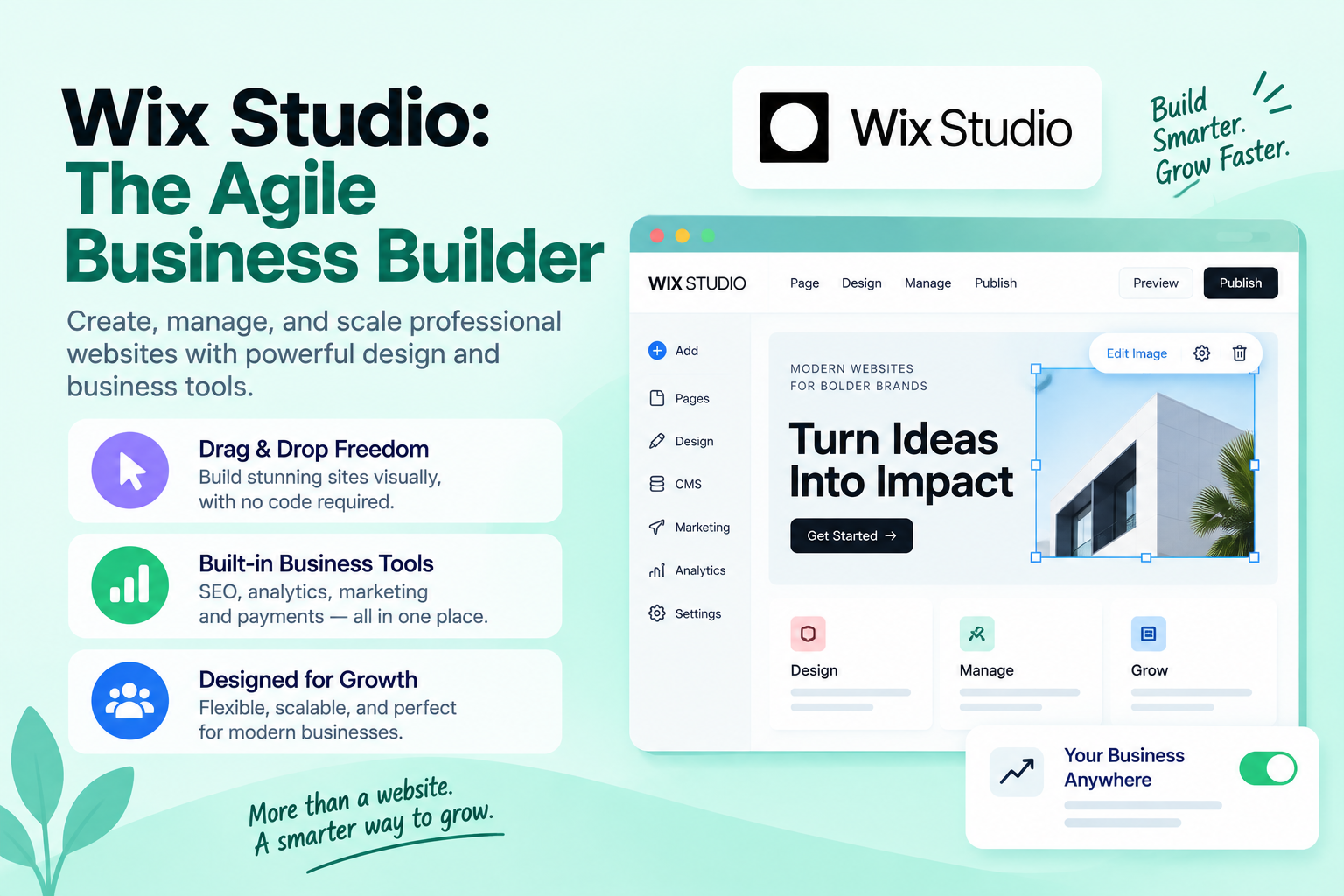
Wix Studio combines flexible layout options with enterprise cloud hosting and native business apps, serving fast-growing brands that require rapid deployment.
Speed and Built-In Functionality
As a modern visual website builder, Wix Studio allows teams to move quickly using responsive CSS controls, custom JavaScript capabilities, and integrated client tools.
- Rapid Speed-to-Market: Native booking systems, CRM, and e-commerce setups let you launch quickly.
- Fluid Responsiveness: Proportional scale styling adapts seamlessly across varying screen sizes.
- Zero Maintenance: Hosting, security, and platform updates are handled automatically behind the scenes.
Intuitive Visual Editing
For fast edits, a visual drag and drop interface accelerates content adjustments without technical debt. However, brands remain within the Wix cloud ecosystem, making platform migrations complex down the line.
Head-to-Head Architectural Comparison
Evaluating CMS platforms side-by-side helps clarify which engine fits your technical resources and timeline.
| Feature | WordPress | Webflow | Wix Studio |
|---|---|---|---|
| Primary Focus | High-scale content & custom dev | High-end visual design & SaaS | Rapid deployment & business apps |
| Design Flexibility | High (Theme/Code dependent) | Total visual CSS control | High drag-and-drop precision |
| Maintenance | High (Plugin & server management) | Zero (Managed SaaS) | Zero (Managed SaaS) |
| SEO Capabilities | Elite (Granular code & server control) | Excellent (Native structural tools) | Strong (Built-in SEO suite) |
| Code Access | 100% open-source database | Exportable HTML/CSS | Velo JS framework |
Step-by-Step Decision Framework
Follow this simple evaluation process to align your brand goals with the right web platform:
Audit Technical Resources
Determine if your team can manage server maintenance and plugin updates, or if you require a managed cloud solution.
Define Content Velocity
Identify whether your focus is on publishing hundreds of dynamic articles weekly or crafting interactive product landing pages.
Establish Design Requirements
Decide if you need custom, interaction-heavy animations or standard responsive components. A focused UX/UI design review helps you define what your users actually need before you commit to a platform.
Map Long-Term Scalability
Choose between open-source code mobility and all-in-one SaaS efficiency based on your brand's growth goals.
Making the Final Decision
Choosing the right web platform depends on your primary resource focus: development power, visual design, or execution speed. Your website is your core growth engine, so pick the platform that supports how your team works today and scales seamlessly tomorrow. If you want expert help, our web design team can guide the selection and the build.
- Choose WordPress if your site relies on long-form publishing, complex database structures, and total ownership over every line of code.
- Choose Webflow if your brand relies on custom interactive design, clean code generation, and rapid visual landing page creation.
- Choose Wix Studio if you want a responsive, feature-rich site deployed quickly without managing hosting infrastructure or technical updates.
Frequently Asked Questions
Which platform is best for custom interactive animations?
Webflow leads in creating custom interactive animations natively. Its visual designer gives you precise control over CSS triggers, scroll-based transformations, and micro-interactions without writing heavy custom code scripts.
Can I migrate my content easily between these platforms later?
WordPress provides the easiest content migration options because you retain full access to your databases and open-source files. Webflow allows you to export clean HTML/CSS and CSV content data, whereas migrating away from Wix Studio requires manual content transfer due to its closed cloud architecture.
Which CMS platform offers the best out-of-the-box SEO control?
WordPress offers complete granular technical SEO control through plugins like Rank Math, along with custom server-level caching configurations. However, Webflow and Wix Studio both deliver strong built-in SEO suites with simple meta controls, automated sitemaps, and fast native rendering out of the box.
Ready to Build Your Web Stack?
Map out your team's top three technical priorities for the coming year. If you need help choosing or migrating to the ideal web architecture, connect with our digital strategists at GStar to build your web stack today.