Your ten-year-old enterprise platform holds valuable authority, years of backlink equity, and deep topical relevance. Yet, executing a technical seo audit on an aging stack reveals friction: monolithic code bases, brittle routing engines, and fragmented database entries.
Executing a technical SEO audit on an aging stack isn't a standard optimization job; it's structural archaeology. Standard SEO tactics that work on a clean, modern Next.js build can break fragile dependencies here, risking downtime or catastrophic drops in organic visibility to more agile competitors. Modern search engines demand speed, clean indexation, and flawless rendering.
Your legacy stack doesn't have to hold you back from meeting those standards.
Here, you will learn how to debug client-side rendering issues, perform a targeted website audit, reclaim wasted crawl budget, and streamline your protocol compliance.
Aging enterprise websites hold massive domain authority, but hidden technical debt acts as a silent tax on search visibility. This guide provides a battle-tested framework to resolve crawl traps, eliminate index bloat, fix deep redirect chains, and optimize Core Web Vitals… without crashing your legacy infrastructure.
What Is a Legacy Technical SEO Audit and Why Does It Matter?
A technical seo audit for legacy systems goes beyond surface-level checks. It is a systematic process designed to reveal architectural debt, broken routing pipelines, and rendering roadblocks in aging web stacks.
Legacy platforms accumulate technical debt over time. Years of partial migrations, obsolete JavaScript frameworks (like AngularJS 1.x or Backbone.js), and database bloat create invisible barriers for search engines.
When you ignore this structural friction, search engine bots don't just struggle; they turn away. This architectural debt drains your business in three specific ways:
- Wasted Crawl Energy: Search bots get trapped in dynamic parameter loops from decade-old tracking schemes, burning through your crawl budget before ever reaching high-margin product pages.
- Indexing Friction: Search bots encounter outdated, synchronous scripts that time out during execution, causing core content blocks and structured markup to vanish from the indexed DOM.
- Performance Penalties: Unmaintained global stylesheets and render-blocking scripts degrade user experience metrics, triggering ranking penalties on modern Core Web Vitals algorithms.
Manage Crawl Traps and Fix Rendering Architecture
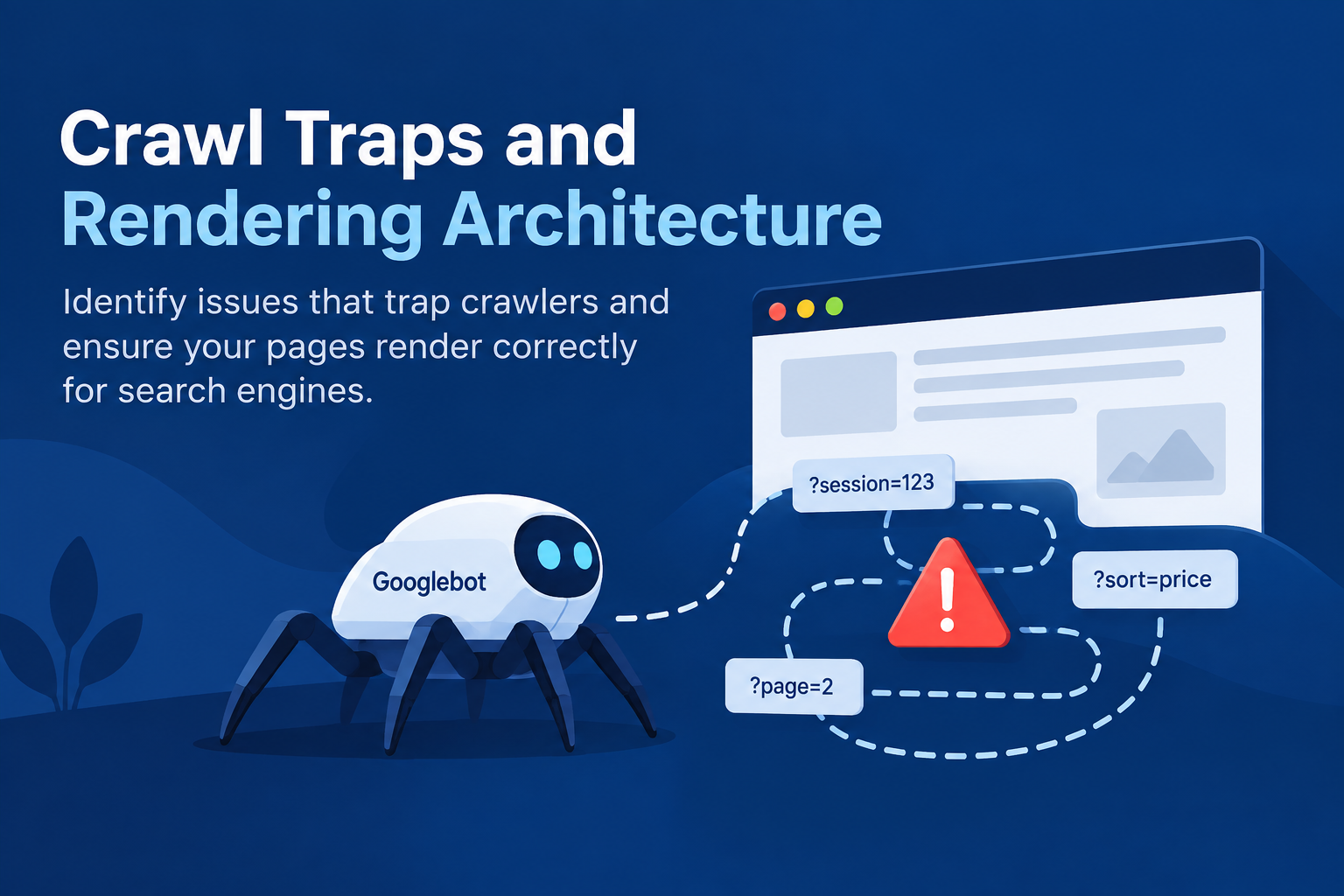
Legacy sites often cause issues for a standard website crawler. Non-standard HTTP headers, infinite URL loops, and dynamic session parameters frequently waste your crawl budget.
Disentangle Crawl Traps and Parameter Spirals
Decades of taxonomy updates and legacy marketing integrations often stack parameters on top of one another. When legacy session engines generate URLs like ?sid=9823&PHPSESSID=abc alongside unmanaged faceted navigation, a single category page can generate millions of thin, synthetic URLs.
The Fix
Audit your parameter footprint in Google Search Console and log files. Enforce explicit noindex directives on non-essential filter combinations or block them behind un-crawlable client-side controls.
Audit Client-Side Rendering in Legacy Frameworks
Older client-side frameworks often fail to serve structured DOM content to modern search engines efficiently.
- Compare raw HTML against rendered HTML using the Google Search Console URL Inspection tool.
- Check for missing internal links, Schema markup, or core content blocks dependent on legacy document.write calls.
- Ensure critical navigation paths do not rely on synchronous AJAX calls that time out during a seo crawl.
Resolve Index Bloat and Clean Up URL Hygiene
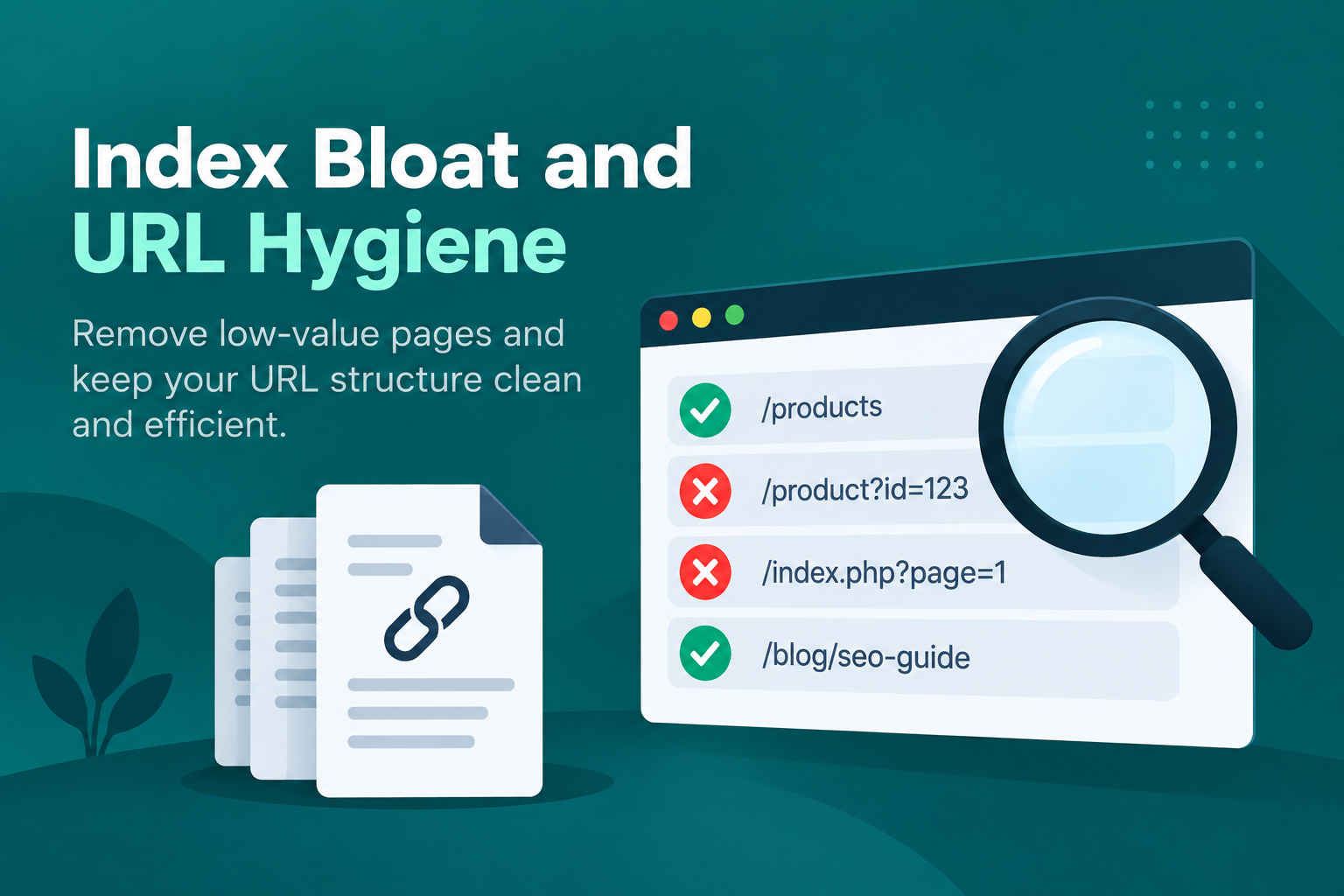
Index bloat occurs when search engines index thousands of low-value, duplicate, or orphan pages. This dilutes your core topical authority across the domain. When fragmented database records keep spawning junk URLs, a data modernization project fixes the source instead of patching the symptoms.
| Technical Issue | Root Cause in Legacy Systems | Recommended Remediation |
|---|---|---|
| Index Bloat | Staging environments, tag archives, print templates. | Enforce global noindex directives or use X-Robots-Tag headers. |
| Chained Redirects | Multiple migrations over 10+ years (A→B→C). | Flatten chains to single direct 301 redirects (A→C). |
| Protocol Conflicts | Mixed HTTP/HTTPS assets hardcoded in databases. | Update database paths via regex; enforce HSTS. |
Uncovering Hidden Orphan Pages
When global navigation menus are redesigned on legacy platforms, older high-value content nodes often lose their internal links, turning into orphan pages. They still sit on your server earning external backlinks, but search engines can no longer discover them through site hierarchy.
- Export Raw Records: Pull every published URL from your XML sitemaps and backend database exports.
- Crawl Public Architecture: Run a fresh site crawl across visible public navigation.
- Cross-Reference Log Files: Compare both datasets against server logs over the past 90 days.
- Re-integrate or Redirect: Any asset pulling organic traffic or holding quality external backlinks that lacks internal links must be stitched back into the taxonomy or cleanly 301-redirected to a relevant parent hub.
Streamline Core Web Vitals and Performance Debt
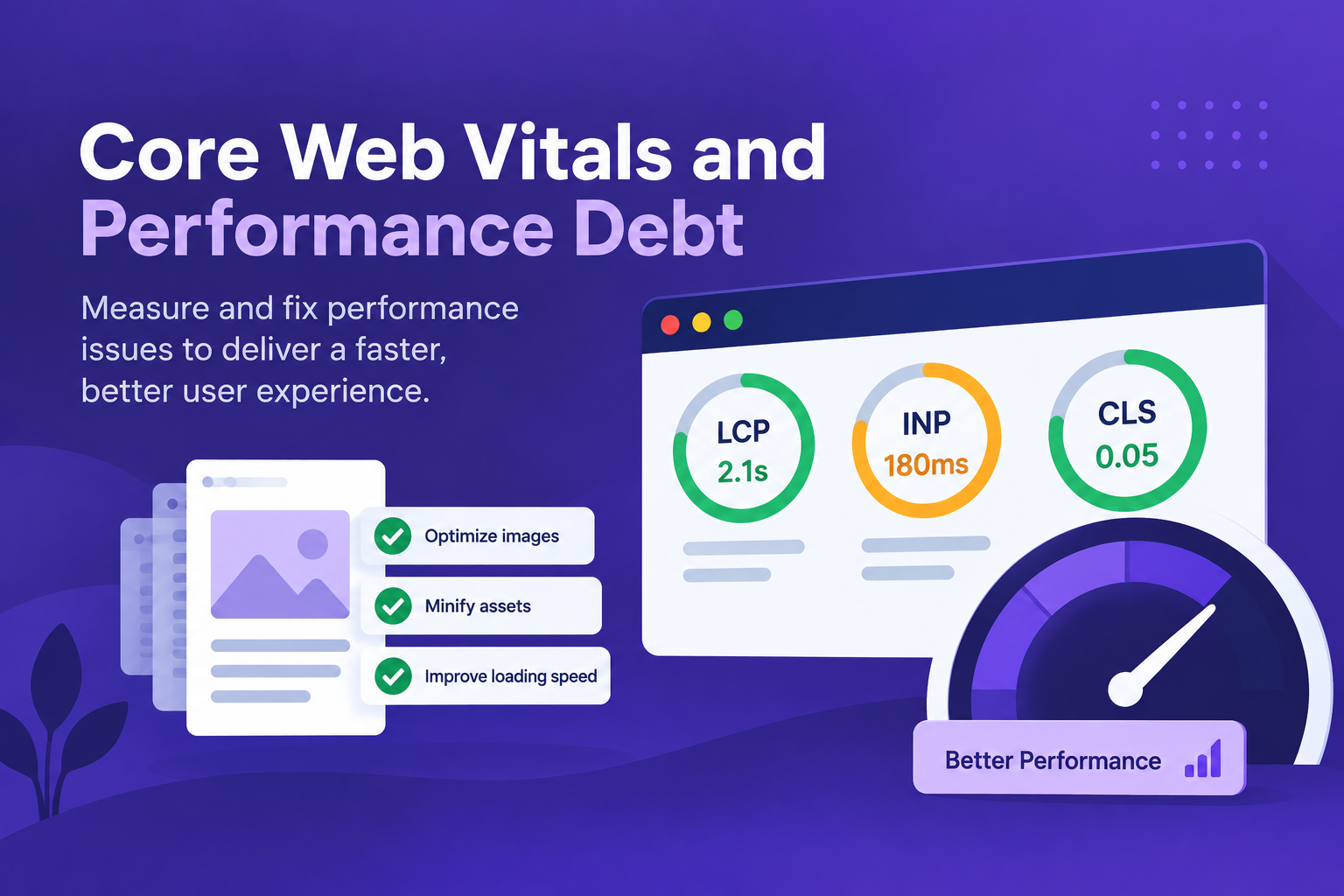
Optimizing speed on legacy architectures requires addressing structural bottlenecks directly in the server environment and codebase. When the bottleneck runs deeper than caching can solve, phased legacy modernization lets you rebuild the slow layers without a risky big-bang rewrite.
Reduce Server Response Latency (TTFB)
Aging environments running obsolete PHP versions or legacy .NET frameworks often suffer from severe database bottlenecks under concurrent bot crawls.
- Inspect slow database queries and add missing indexes to high-traffic tables.
- Implement a server-side caching layer like Redis or Varnish in front of the application.
- Serve static HTML snapshots of dynamic pages directly to search engines to reduce database work.
Eliminate Render-Blocking Resources
Legacy sites often load massive, global CSS files and multiple conflicting JavaScript libraries (such as multiple versions of jQuery).
Audit code coverage using Chrome DevTools to locate unused styles and scripts. Defer non-critical scripts and inline critical CSS to stabilize Largest Contentful Paint (LCP) and improve Interaction to Next Paint (INP).
Validate Structured Data and Canonical Protocol
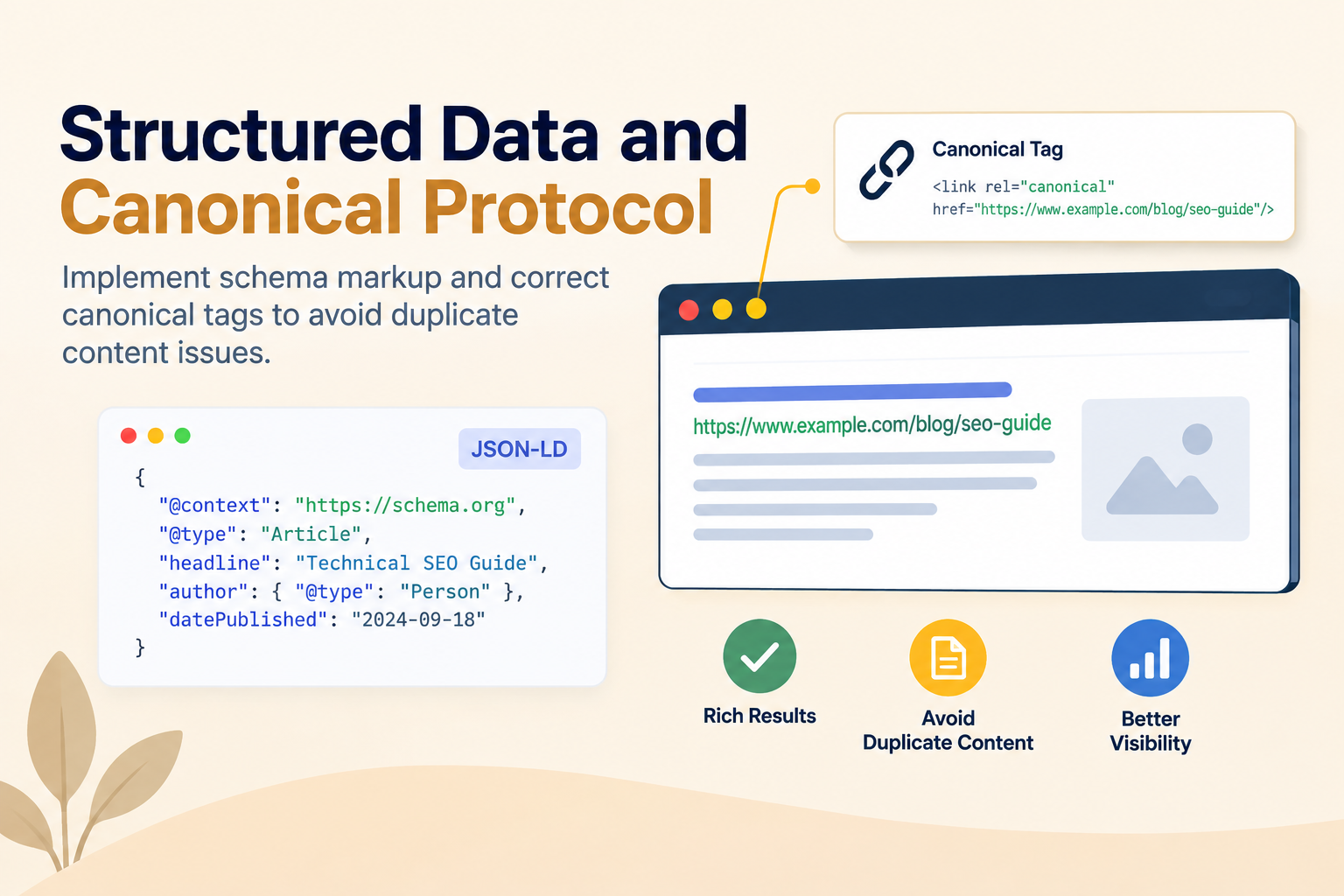
Search engines use structured data as a Rosetta Stone to parse content on legacy platforms where semantic HTML5 tags (<article>, <main>) are missing due to vintage table/div layouts.
Modernize Schema.org Implementation
Legacy applications often inject outdated RDFa or inline Microdata formats into templates.
- Standardize all structured data by injecting clean JSON-LD into the document head.
- Prioritize core Schema types: Organization, WebSite, BreadcrumbList, and specific entities like Product or Article.
Verify Canonical Tag Integrity
Self-referential canonical tags on older platforms are often omitted or configured with relative paths (/page/).
Always convert relative paths to absolute URLs (https://example.com/page/). This prevents cross-domain canonical errors during a website audit.
Leverage Log File Analysis for Advanced Diagnostics
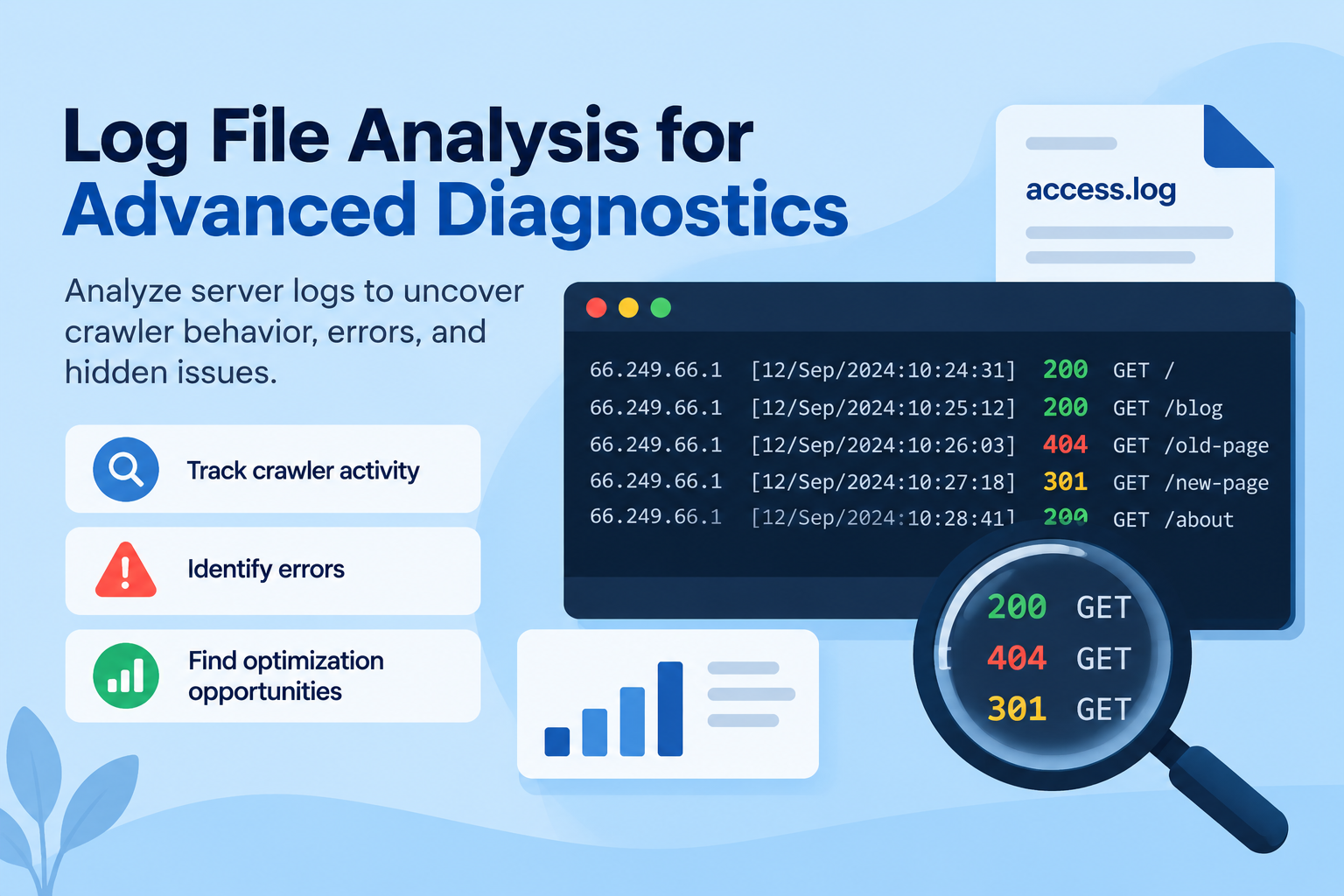
Server log files don't lie. They provide an unvarnished view of how search engine bots actually interact with your legacy stack behind the scenes.
Server Log Forensics
- Crawl Frequency vs. Value: Are bots wasting budget in /v1/archive/?
- HTTP Status Codes: Tracking 200 vs 301 vs 500 errors during peak crawls.
A Step-by-Step Technical SEO Checklist
To run an efficient website audit on an aging platform, follow this sequential technical seo checklist:
Map Your Infrastructure
Document active server frameworks, database versions, and routing rules.
Isolate Crawl Traps
Block dynamic session identifiers and filter parameters using robots.txt or server rules.
Audit Rendering Capabilities
Verify that your main content and links render properly without JavaScript execution delays.
Clean Up Indexation
Flatten long 301 redirect loops and enforce noindex directives on non-canonical pages.
Analyze Server Logs
Identify where a website crawler wastes resources and fix recurring 500-series errors.
Modernize Your Legacy Architecture with Confidence
Managing an aging web platform does not mean settling for poor search performance. By resolving architectural technical debt, eliminating seo crawl traps, and updating rendering pipelines, you protect historical authority while driving new growth. Start your technical seo audit today by running a targeted log file analysis to see how search engines navigate your infrastructure right now. Then pair the findings with expert SEO services to turn every fix into measurable ranking growth.
Frequently Asked Questions
What makes a technical SEO audit different for legacy sites?
Legacy audits focus heavily on resolving technical debt, brittle routing systems, obsolete code dependencies, and crawl traps created by decades of site changes, rather than simple surface-level fixes.
How often should you perform a technical SEO audit on an aging platform?
Perform a comprehensive audit at least once per year, alongside mini-audits quarterly or immediately following any significant server, database, or routing migration.
Can legacy sites pass modern Core Web Vitals checks?
Yes. By adding server-side caching, stripping unused CSS and JavaScript, and routing traffic through modern Content Delivery Networks (CDNs), legacy sites can meet Core Web Vitals benchmarks.
Modernize Your Legacy Platform Without Losing Rank Equity
Partner with GStar to audit, optimize, and future-proof your digital architecture. We protect the authority your legacy site has earned while removing the technical debt holding it back.