Managing local search visibility for a single retail location or service business is relatively straightforward. However, scaling that same strategy across 50, 500, or 5,000 locations introduces significant operational challenges.
Enterprise marketing teams often struggle with inconsistent location data, duplicate profiles, unaddressed customer reviews, and fragmented brand messaging across regions.
These local SEO breakdowns lead to lost local map rankings, reduced foot traffic, and wasted digital marketing spend.
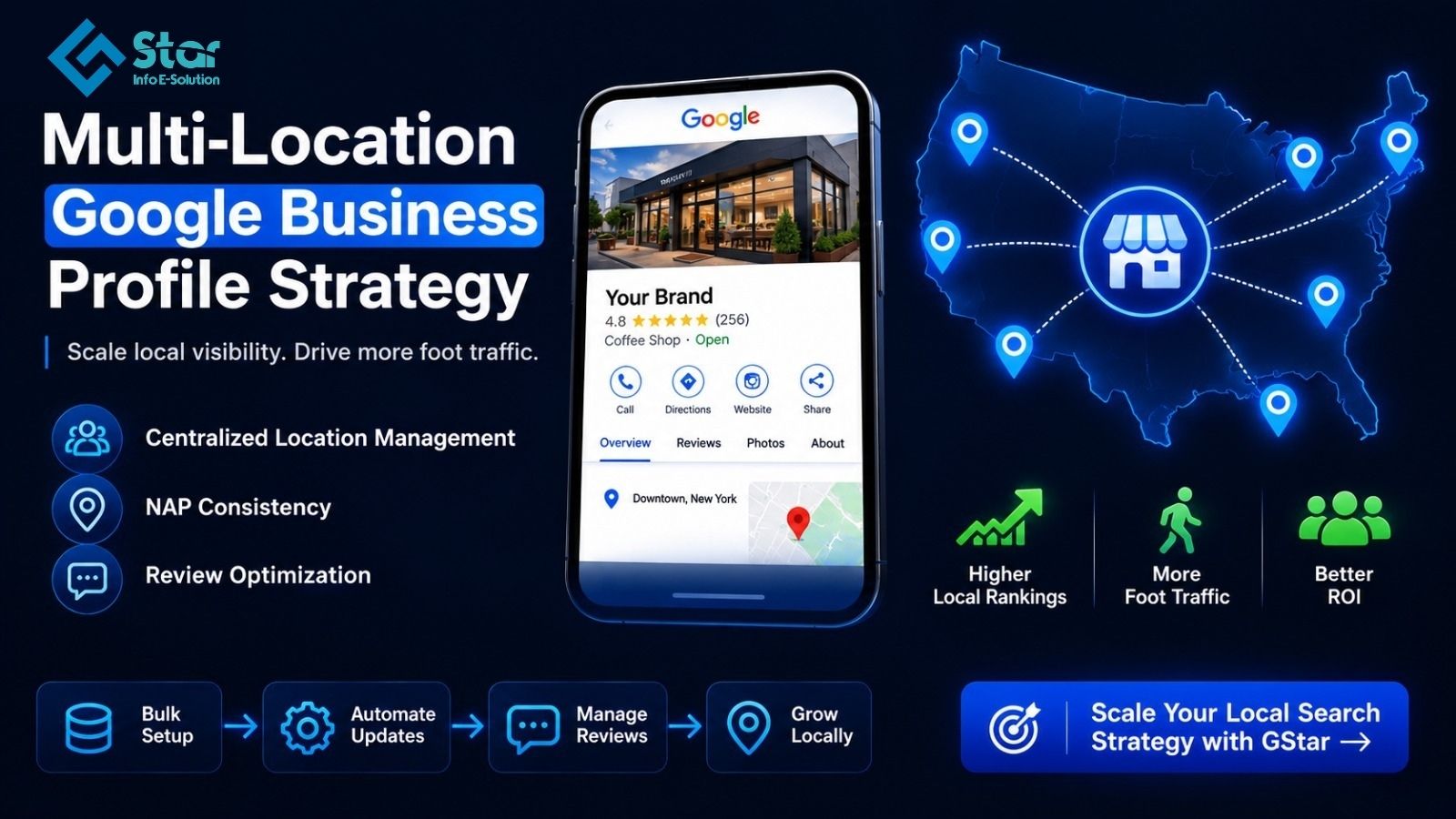
Managing multi-location local search requires bulk account management, strict NAP (Name, Address, Phone) consistency, automated review workflows, local store page linking, and centralized audit processes. Brands that unify location management protect search visibility while scaling local conversions.
What Is Enterprise Google Business Profile Optimization and Why Does It Matter?
According to search engine data, 62% of consumers avoid a business with incorrect online information, and listings in Google's local map pack capture 42% of all search clicks. Without a coordinated multi-location strategy, enterprise brands risk shedding market share to more agile local competitors.
Before building your multi-location workflow, define these foundational concepts:
- Google Business Profile (GBP): The official business listing framework provided by Google that controls how physical store locations and service areas appear on Google Maps and local search results.
- NAP Consistency: The practice of ensuring that a business's Name, Address, and Phone number are formatted identically across every directory, store finder page, and local citation online.
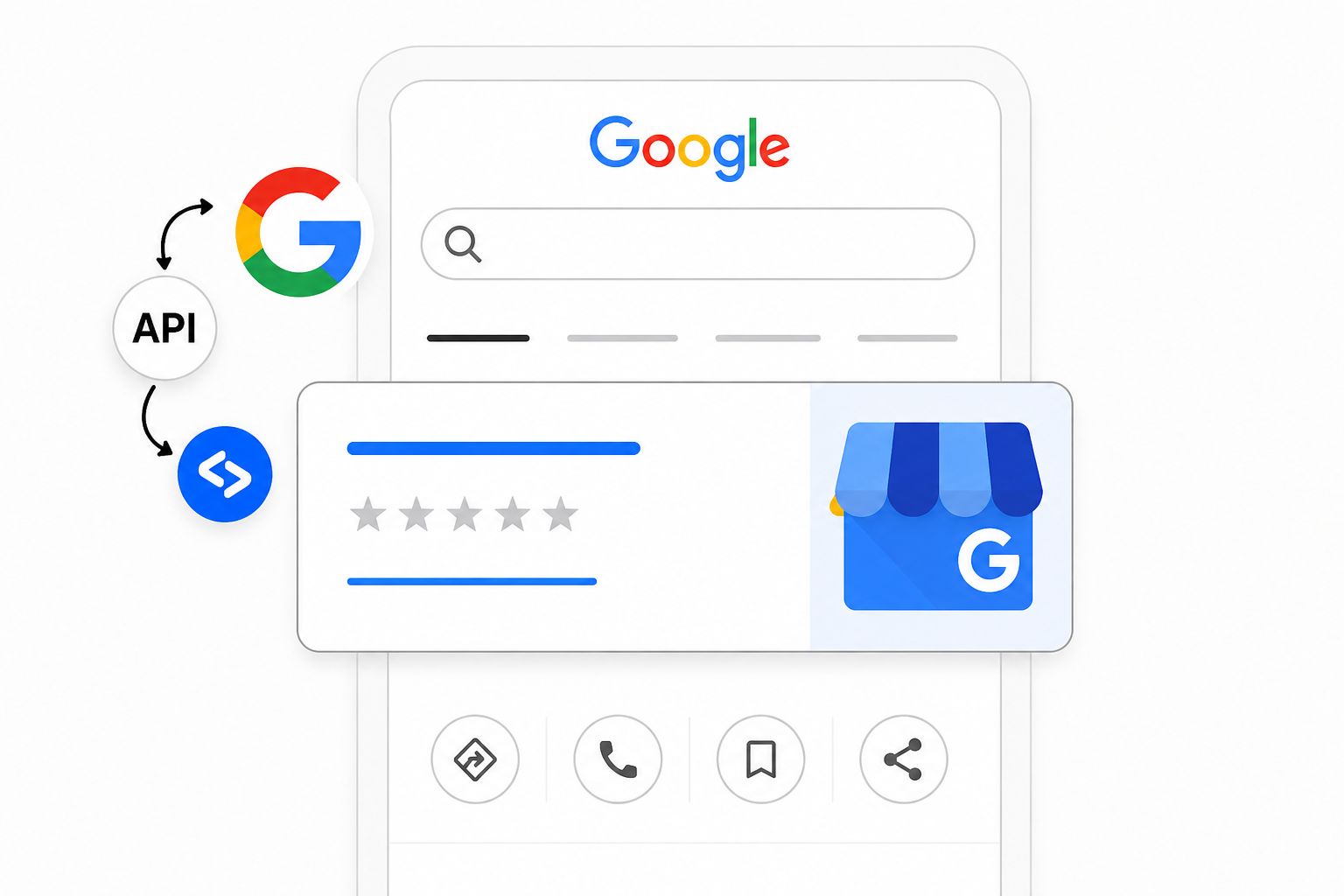
- Bulk Location Management: The technical setup within Google Business Profile Manager that allows enterprise teams to upload, verify, and edit multiple location listings simultaneously using spreadsheet templates or direct API integrations.
Relying on decentralized local managers to update individual listings creates data errors that hurt organic rankings. Centralizing your profile architecture ensures brand control while capturing high-intent local searchers ready to visit your stores.
Here is what this multi-location optimization guide covers:
- How to structure bulk location accounts for large-scale management.
- Tactics to maintain strict data consistency across hundreds of store listings.
- Scalable strategies for review management, local post publishing, and local landing pages.
- A practical audit checklist for multi-location brand managers.
Set Up Bulk Account Management and Location Groups
The Issue
When enterprise brands expand, local store managers often create individual Google accounts to claim their listings. This results in fragmented ownership, rogue profile edits, and lost administrative access when employees leave the company.
Real-Life Impact
Imagine a national restaurant chain with 300 locations where individual store managers used personal email accounts to claim local maps profiles. When corporate launches a seasonal menu promotion, updating store details across all locations becomes nearly impossible due to missing access credentials.
How to Fix It
- Request an Organization Account: Apply for enterprise organization status in Google Business Profile Manager to manage all company locations under a single umbrella.
- Create Location Groups: Organize store listings into regional or state-level location groups to grant appropriate access permissions to regional marketing managers without giving away master admin controls.
- Use Bulk Verification: Avoid verifying locations individually via postcard. Submit an enterprise bulk verification request using your official corporate domain email and store location spreadsheets.
Enforce Strict NAP Consistency and Category Architecture
The Issue
Inconsistent business names across store listings confuse search engine algorithms and weaken local rank authority. Adding store numbers or city names to listing titles (e.g., "Brand Name - Location #104") violates Google's guidelines and risks profile suspension.
Why It Hurts Local Rankings
Search engines rely on data consistency to verify business legitimacy. Discrepancies between your GBP listings, local store pages, and third-party directories reduce search confidence, dropping your profiles out of the local 3-pack map results.
Practical Steps
- Standardize Brand Naming: Keep the primary business name identical across all location listings. Avoid keyword stuffing or adding store identifiers to the title unless legally registered that way.
- Align Primary Categories: Choose one unified primary category for all stores (e.g., "Bank" or "Hardware Store"). Use secondary categories to capture specific department offerings like "ATM" or "Garden Center."
- Format Physical Addresses Consistently: Use exact suite numbers, standardized street abbreviations, and accurate store coordinates (latitude and longitude) during bulk file uploads.
Connect Profiles to Dedicated Local Store Pages

The Issue
Linking every GBP listing directly to your main corporate homepage ruins the local user experience and limits localized ranking signals.
Why It Kills Conversions
A customer searching for local store hours or phone numbers wants immediate local details. Landing on a general homepage forces them to search your site navigation again, leading to high drop-off rates.
Actionable Setup
- Build Local Store Pages: Create individual, mobile-optimized landing pages on your website for every physical store location (e.g., example.com/stores/chicago-north).
- Link Specific URLs in GBP: Set the website URL field in each GBP listing to point directly to its corresponding local store page rather than the main homepage.
- Embed Structured Data: Add LocalBusiness schema markup on each local store page. Ensure the NAP details on the web page match the GBP listing data word-for-word.
Scale Local Review Workflows and Customer Engagement
The Issue
Managing customer feedback across hundreds of location profiles is overwhelming. Ignoring negative reviews or leaving positive feedback unanswered signals poor customer care to potential buyers.
Why It Impacts Local Foot Traffic
Review volume, recency, and average star ratings are direct ranking factors for Google Maps. Furthermore, prospective customers read local reviews before visiting a physical store.
Scalable Solutions
- Integrate Reputation Software: Use enterprise review platforms (like Yext, Birdeye, or Reputation) connected via the Google Business Profile API to monitor reviews across all stores from one dashboard.
- Create Approved Response Templates: Draft flexible response templates for regional teams that balance brand guidelines with personalized customer details.
- Automate Review Requests: Send post-purchase SMS or email review invites linked directly to the specific store's GBP review short-link.
Multi-Location GBP Optimization Checklist
| Optimization Area | Enterprise Standard | Core Implementation Action |
|---|---|---|
| Account Access | Single Organization Account | Centralize access under corporate domain; create regional location groups. |
| Listing Names | Identical Primary Name | Remove store numbers and city keywords from listing titles. |
| Category Setup | Unified Primary Category | Apply standard primary category; customize secondary categories per store. |
| Website Links | Dedicated Store Page URLs | Direct listing traffic to local store landing pages with LocalBusiness schema. |
| Photo Assets | Updated High-Res Media | Upload store exterior, interior, and staff photos quarterly across all listings. |
Step-by-Step Implementation Workflow for Enterprise Teams
Conduct a Profile Ownership Audit
Identify rogue or unverified store listings across Google Maps and transfer ownership into your central enterprise organization account.
Clean Up Bulk Spreadsheet Data
Export your current location list and standardize business names, addresses, primary categories, and store page URL.
Connect API Tools
Integrates enterprise location management tools to handle bulk data updates, local post scheduling, and review responses automatically.
Schedule Quarterly Audits
Review operating hours, special holiday schedules, and visual assets every quarter to maintain data freshness.
Clear Next Steps for Your Brand
Scaling local search performance across multiple locations does not require managing hundreds of separate workflows manually. By centralizing account permissions, enforcing strict NAP consistency, and connecting listings to dedicated store pages, your brand can maintain local search dominance across every market you serve.
Need Scalable Multi-Location Search Dominance?
GStar builds enterprise local search frameworks that protect brand consistency, eliminate profile errors, and drive foot traffic across hundreds of locations.