A slow enterprise website loses money long before visitors read the first line of copy. When design teams prioritize heavy visuals over technical execution, load times jump, bounce rates rise, and conversion rates drop.
Your website does not have to be plain to be fast. The goal is to build pages that reflect your brand identity while loading instantly across all devices.
Enterprise sites often fail because bloated design assets ruin speed and drive users away. You can keep your brand look while achieving fast page loads by compressing media, controlling custom fonts, removing extra scripts, and setting technical budgets for your dev team.
Why Enterprise Web Optimization Matters
Before fixing your site, it helps to understand two core terms:
- Enterprise Web Optimization: The process of structuring large websites so they pass speed benchmarks without stripping away core design elements.
- Performance Budget: A technical cap on total file sizes, script execution times, and load metrics that development teams must follow.
When a page takes four seconds to load, potential clients leave for a competitor. High loading speeds protect your ad dollars, improve organic search ranks, and give visitors a smooth path to conversion.
Here is what this guide covers:
- How media, fonts, and scripts impact site performance.
- Real steps to fix slow-loading pages without changing your brand look.
- A simple checklist and implementation workflow for your web team.
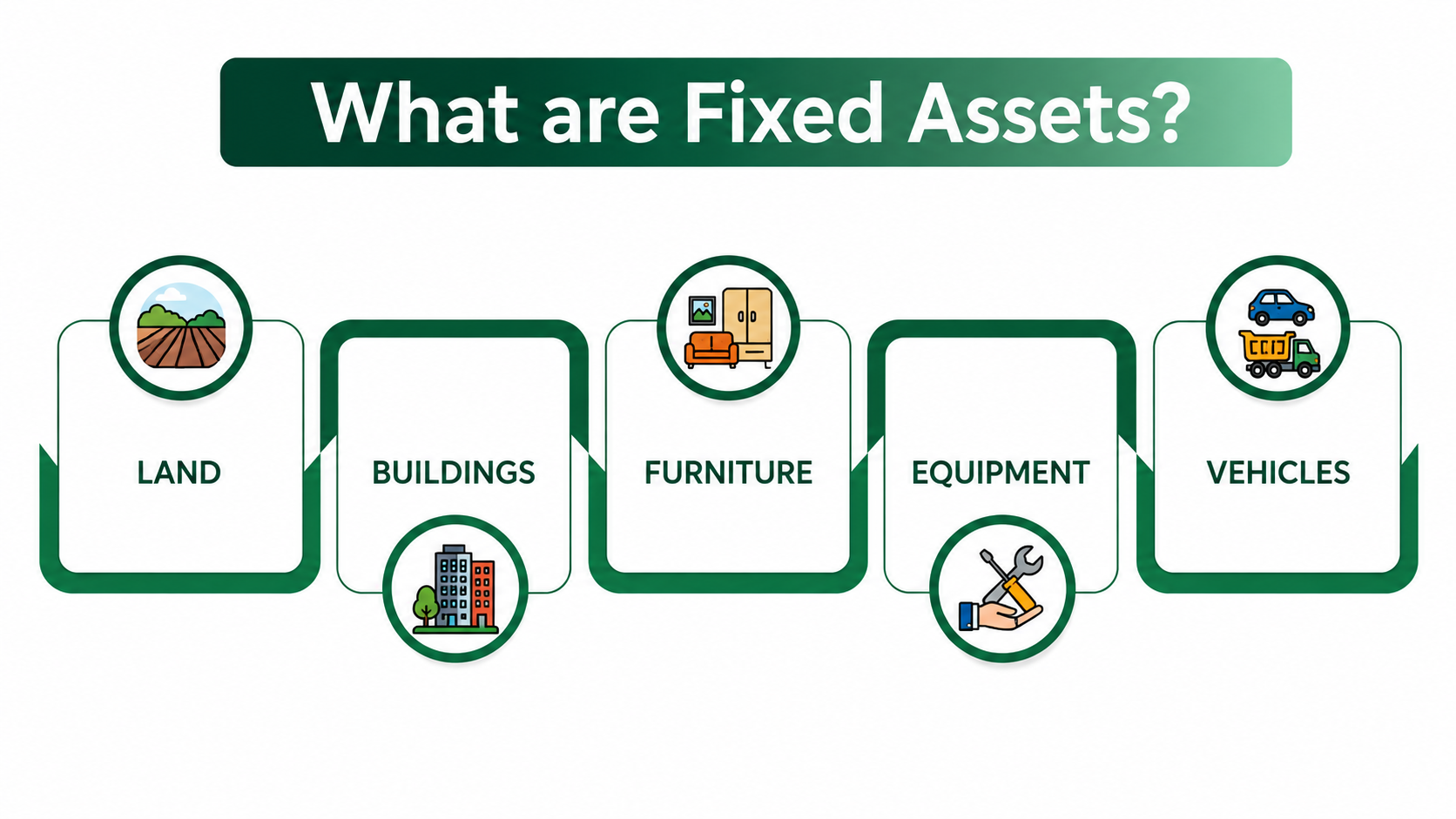
Fix Heavy Visual Assets First
The Issue
Marketing teams love full-width hero images, background videos, and custom graphics. When uploaded raw, these assets cause total page sizes to cross 10MB, which tanks performance on mobile devices.
Real-Life Impact
Imagine a user clicking a Google ad for B2B software while on a mobile network. If the page stays blank for three seconds while loading a 4K background video, they hit the back button.
Moreover, according to research on mobile page speeds, as page load time goes from 1 second to 3 seconds, the probability of a bounce increases by 32% and that probability jumps to 90% if load times reach 5 seconds.
You pay for the click, but lose the prospect.
Action Plan
- Use Modern Formats: Convert JPG and PNG images to WebP or AVIF. This cuts file size by up to 70% with zero loss in visual quality.
- Serve Correct Image Sizes: Set up responsive images so mobile screens receive smaller files than desktop monitors.
- Enable Lazy Loading: Configure images below the top fold so they load only as the user scrolls down.
Clean Up Web Fonts and Typography Delivery
The Issue
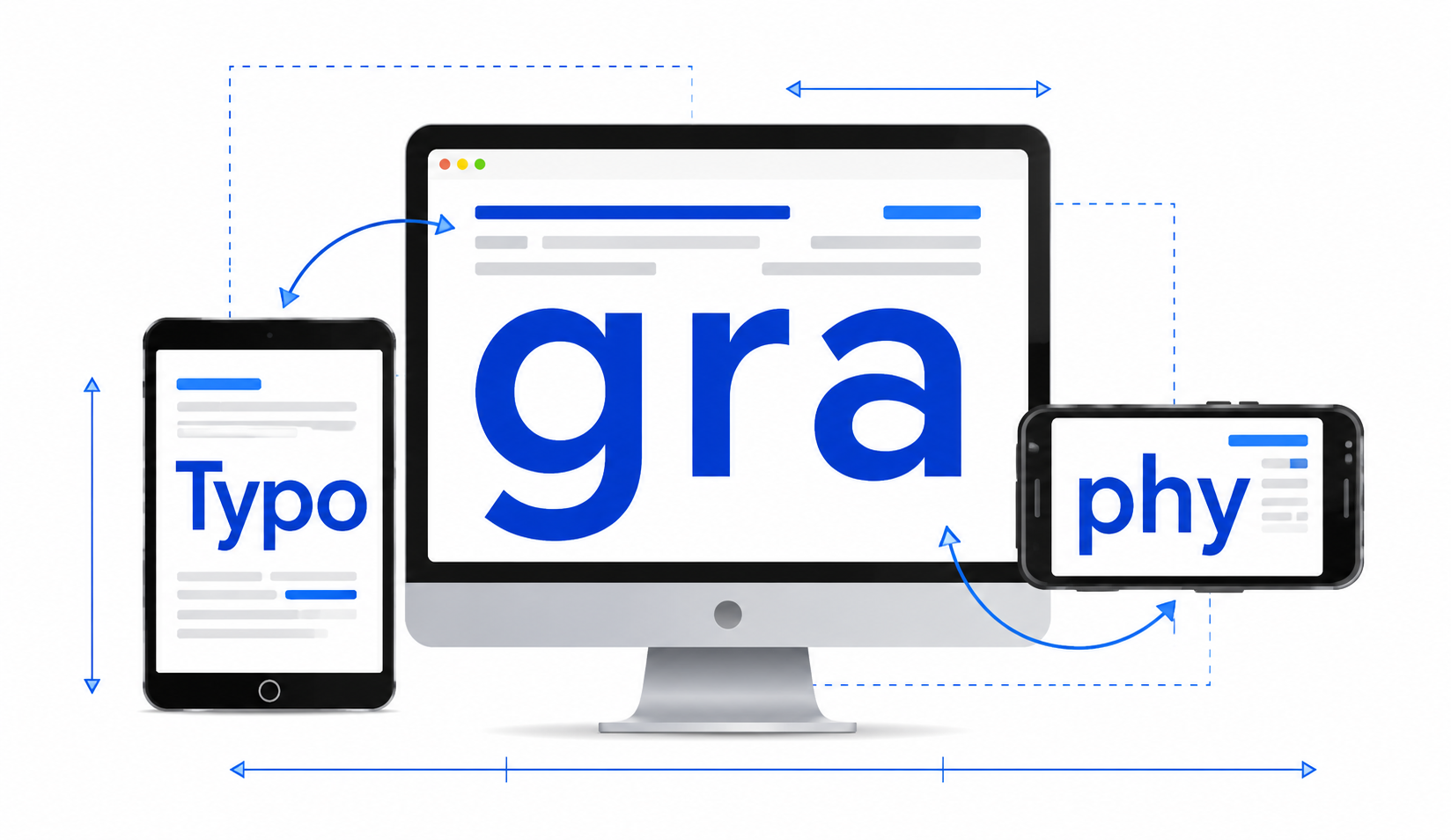
Brand design kits often call for four different font styles across multiple weights. Downloading several custom font files blocks page text from showing up right away, causing layout shifts.
Why It Harms Sales
When text jumps around while a page loads, users get annoyed and leave. Layout instability directly hurts user experience and lowers page engagement.
Simple Fixes
Streamline font files to reduce rendering delays:
- Use WOFF2: WOFF2 provides better compression than older font formats.
- Subset Your Fonts: Remove unused languages and special characters from the font file to shrink its size.
- Set Font Display Swap: Add font-display: swap to your CSS so system fonts display instantly while custom fonts load in the background.
Limit Third-Party Scripts and Marketing Tags

The Issue
Over time, teams add tracking pixels, chatbots, heatmap scripts, and form tools to the website. Unmanaged scripts overload the browser and cause the page to freeze while loading.
Why It Kills Conversions
Even if your images and text load fast, heavy JavaScript keeps buttons from responding when clicked. A user who tries to fill out a contact form will leave if the fields lag.
Practical Steps
- Audit Tags Regularly: Review installed scripts every three months and delete unused tracking codes.
- Defer Non-Essential JavaScript: Use async or defer attributes on non-critical tags so key page elements load first.
- Switch to Server-Side Tagging: Move data collection from the user's web browser to your web server to keep page performance clean.
Fix Layout Instability and Code Bloat
The Issue
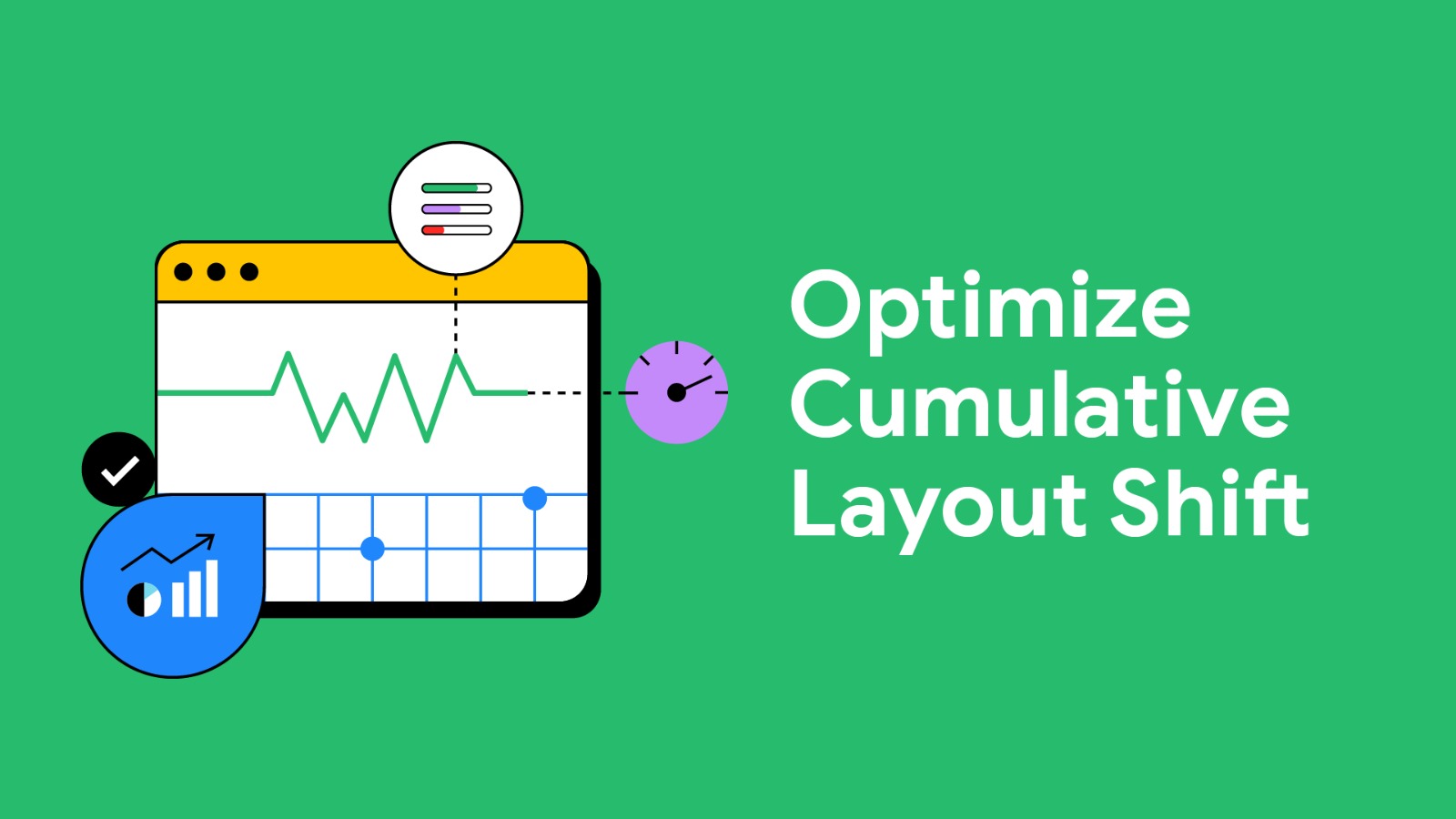
Older enterprise sites often change around as images, banners, and scripts finish loading out of order. This structural jumping hurts Core Web Vitals scores.
Why It Drives Users Away
Accidentally clicking the wrong link because a page jumped feels broken. Users expect clean layout stability from professional enterprise brands.
Structural Solutions
- Define Image Dimensions: Always set clear height and width values on image and video tags so the browser reserves space before files load.
- Use CSS Grid and Flexbox: Rely on native CSS layouts instead of heavy JavaScript routines to position page components.
- Remove Unused CSS: Clean up old stylesheets to keep primary CSS files lightweight.
Enterprise Web Performance Checklist
| Focus Area | Target Benchmark | Primary Action |
|---|---|---|
| Media Assets | Modern WebP/AVIF images | Compress images and implement lazy loading. |
| Fonts | Font file size < 100KB | Subset font files and use font-display: swap. |
| Page Speed | Load time < 2.5 | Optimize server response times and asset delivery. |
| Code Execution | Script delay < 200ms | Remove unused tags and defer heavy JavaScript. |
| Layout Stability | Layout shift score < 0.1 | Set clear image sizes to stop content jumping. |
Step-by-Step Performance Implementation Guide
Set Up Performance Budgets
Define maximum file size limits for future web pages before your design team drafts new layouts.
Run a Site Audit
Test main landing pages using speed diagnostic tools to identify current speed bottlenecks.
Automate File Compression
Configure your build pipeline to compress images automatically when new media is uploaded.
Conduct Monthly Tag Audits
Review third-party marketing tags monthly to prevent script buildup over time.
Next Steps for Your Site
Improving your website speed does not mean replacing your brand image with a plain text page. By trimming heavy image files, cleaning up custom fonts, and controlling script usage, you can deliver a great visual experience that loads quickly.
- Test Your Speed: Run your main landing page through Google PageSpeed Insights today to find performance delays.
- Review Images: Convert raw homepage imagery to WebP or AVIF formats to drop file sizes immediately.
- Align Teams: Hold a brief meeting with your design and development teams to set clear file size limits for upcoming site updates.
Need a Faster, Higher-Converting Enterprise Site?
GStar builds high-performance web platforms that balance premium brand design with sub-second page speeds.